 Games
Games
About this timer
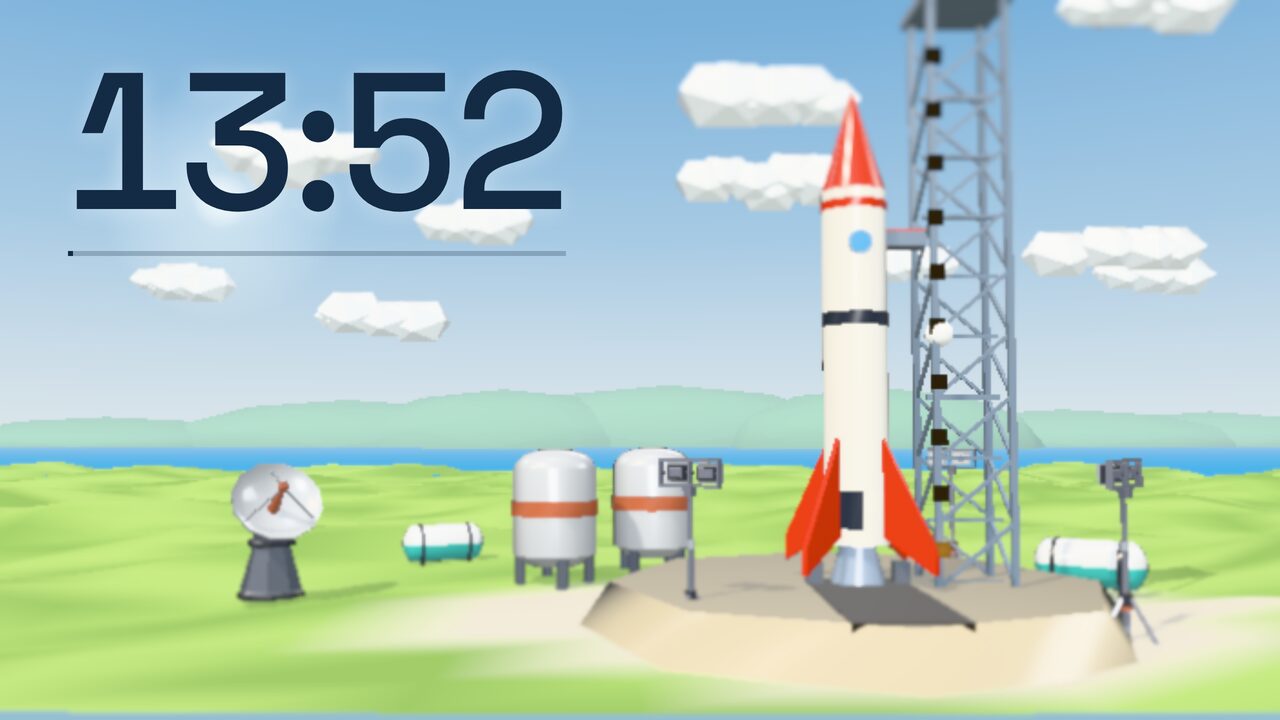
Big Countdown puts a large clock on the board over a 3D scene. The scene changes as the time runs down, so the class can see how far they've got without reading the numbers. In the last ten seconds the clock turns into one big number, and at zero something happens.
The themes
- Rocket Launch. Ten lights on the launch tower come on one by one. At zero the engine lights and the rocket climbs out of sight.
- Volcano Island. The smoke from the crater gets thicker and darker. In the last seconds the ground shakes, then the volcano erupts and lava runs down the sides.
- Dinosaur Egg. The egg rocks now and then and new cracks appear. At zero the top flies off and a baby triceratops climbs out.
- Harbour Fireworks. The sun sets over the city and the windows light up. At zero there are fireworks over the water for half a minute.
How it works
- Pick a length (or type one) and a theme.
- Press Start. Space pauses, and the +1 and −1 buttons add or take off a minute.
- To show the class what to look forward to, press Watch the ending for a 10-second run.
The timer follows the computer's clock, so it stays right on a slow laptop or when you switch to another tab.
Good for
- Group work and independent tasks
- Tidy-up time
- Tests and timed writing